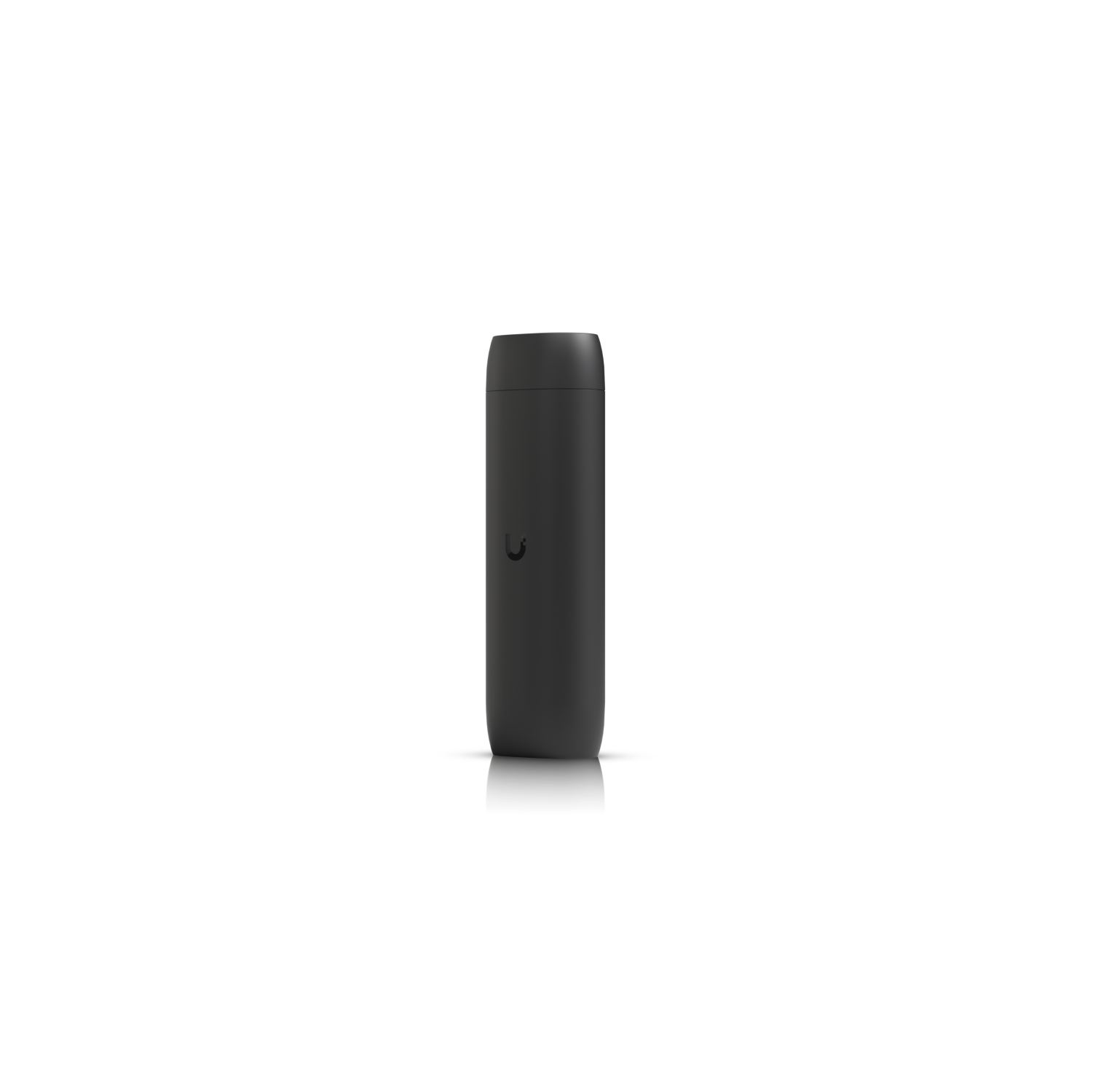
Image: Ubiquiti · Field photos are credited to the uploader
Ubiquiti UP-Viewport · 1 of 1 · Image: Ubiquiti
Ubiquiti UP-Viewport
CCTV · Protect Viewport
Specs come from the parts catalog. Wiring diagram
Reviews
Be the first to review this.
Sign in to write a review.
Add to my tools
Sign in to add this to your tools.
Specs
| Weight | Without mount: 230 g (8.1 oz) With TV mount: 252 g (8.9 oz) |
|---|---|
| Buttons | (1) Factory reset |
| Store SKU | UP-Viewport |
| Dimensions | 157 x 52 x 37 mm (6.2 x 2.1 x 1.5") |
| Mobile App | UniFi Protect iOS™ and Android™ |
| Power Method | PoE |
| Certifications | FCC, IC, CE, Anatel: 06681-25-08356 |
| Mount Material | Polycarbonate |
| NDAA Compliant | True |
| Web Application | UniFi Protect |
| ESD/EMP Protection | Air: ± 8kV, contact: ± 4kV |
| Enclosure Material | Polycarbonate |
| Networking Interface | (1) GbE RJ45 port |
| Max. Power Consumption | 9.5W |
| Ambient Operating Humidity | 20 to 80% noncondensing |
| Ambient Operating Temperature | 0 to 40° C (32 to 104° F) |
Where to Buy
Distribution partner
Distribution partner coming soon
From Techs
No tech listings for this part yet.
Wanted
No wanted posts yet.
Aliases and rough areas only. No exact locations.
Shop New
0 business listings mention this part.
Guides
Guides tagged with the UP-Viewport, grouped by type
Defaults
No Defaults guides for the UP-Viewport yet. Suggest a guide
Programming
No Programming guides for the UP-Viewport yet. Suggest a guide
Wiring
Troubleshooting
No Troubleshooting guides for the UP-Viewport yet. Suggest a guide
Other Ubiquiti panels
No other Ubiquiti panel guides for the UP-Viewport yet. Suggest a guide
Discussions 0 tagged
No discussions tagged to this part yet.
Field photos
Be the first to add a field photo of this install.
Manufacturer photos are credited to the vendor. Field photos are real installs, reviewed before they are public, and credited to the uploader. Report a photo. We remove a reported photo within 24 hours.
Add a field photo
Real installs only. EXIF and GPS are stripped. A moderator reviews the photo before it is public. An approved photo is credited to your alias.
Sign in to add a field photo.
Photo takedown
Report a manufacturer or field photo that should come down.